Type a place name. Mappu returns the MapCode you can punch straight into your car's nav system — no more wrestling with long Japanese addresses.
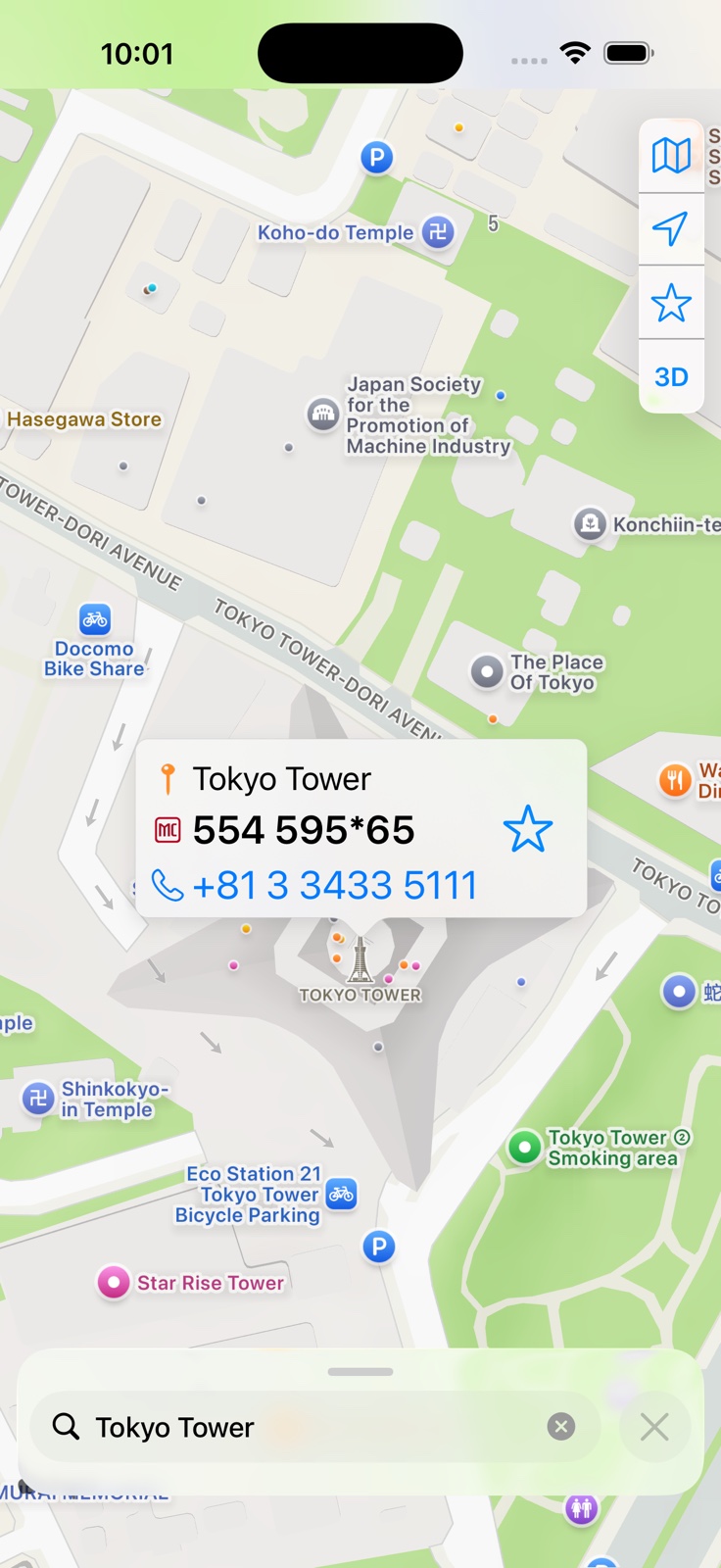
Block-and-lot addressing, kanji input, and tiny dashboard keyboards make destination entry painfully slow. MapCode was designed exactly for this — Mappu just makes it easy to find.
Type a landmark, restaurant, station, hotel — in English, romaji, or Japanese. Mappu finds it.
Mappu returns the precise MapCode for that location, plus a phone number you can call to confirm.
Enter the code on your car's MapCode screen — every major Japanese nav supports it. Done.
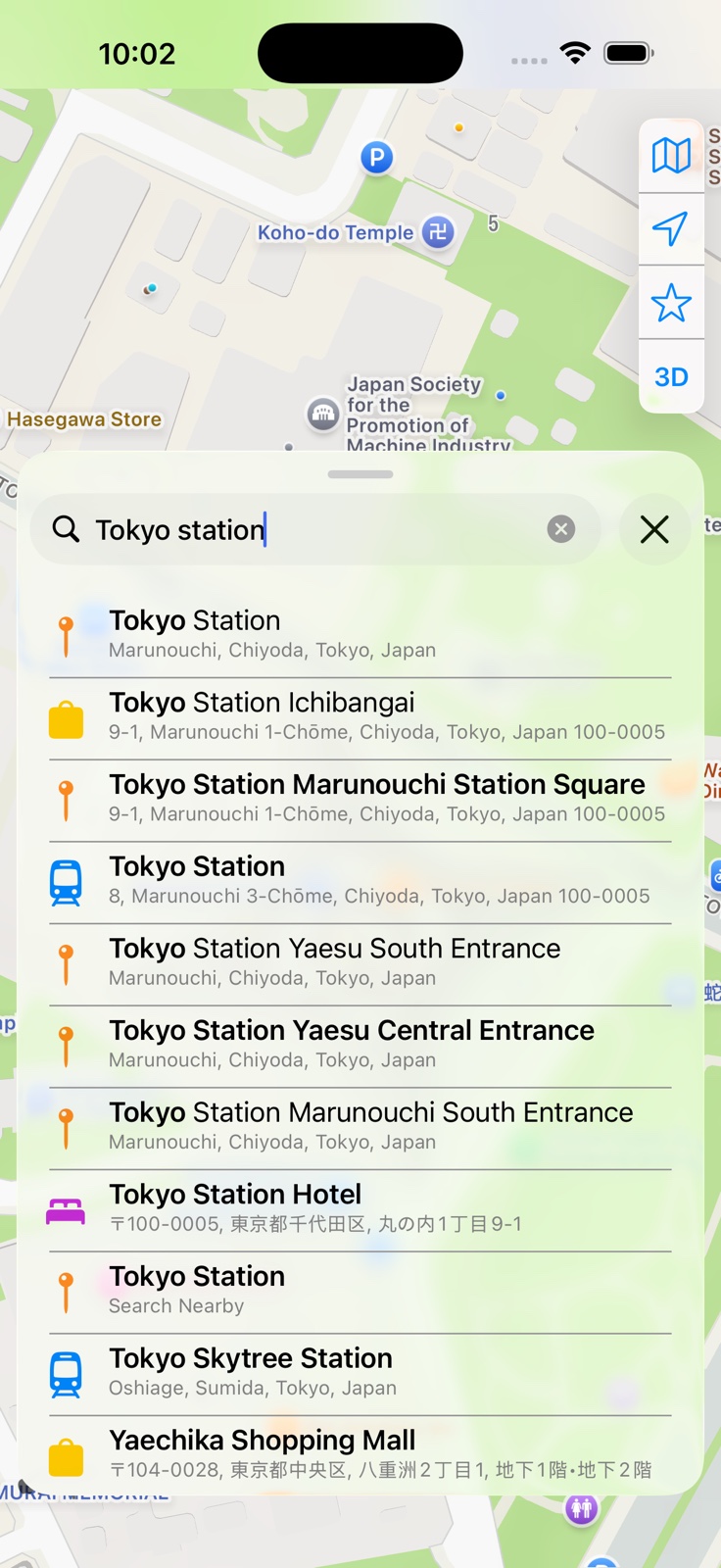
Search any landmark, address, or station in English, romaji, or Japanese. Autocomplete surfaces results as you type, prioritizing places near your current map view so the right answer is always at the top. You can also paste GPS coordinates or type a MapCode directly into the search field to jump straight to that spot.
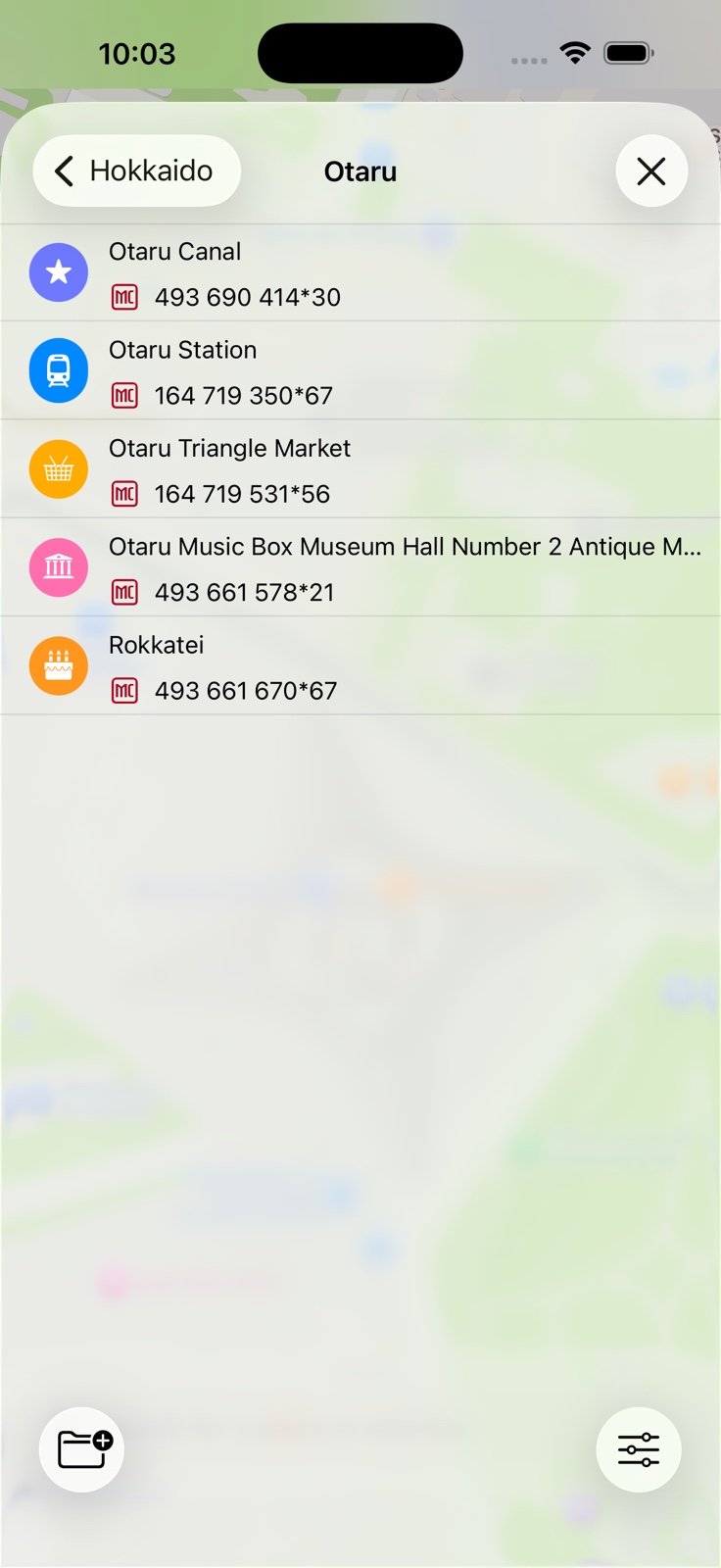
Create folders for each destination — Tokyo, Kyoto, Hokkaido — and save places straight into them. Your favorites are always two taps away, even offline.
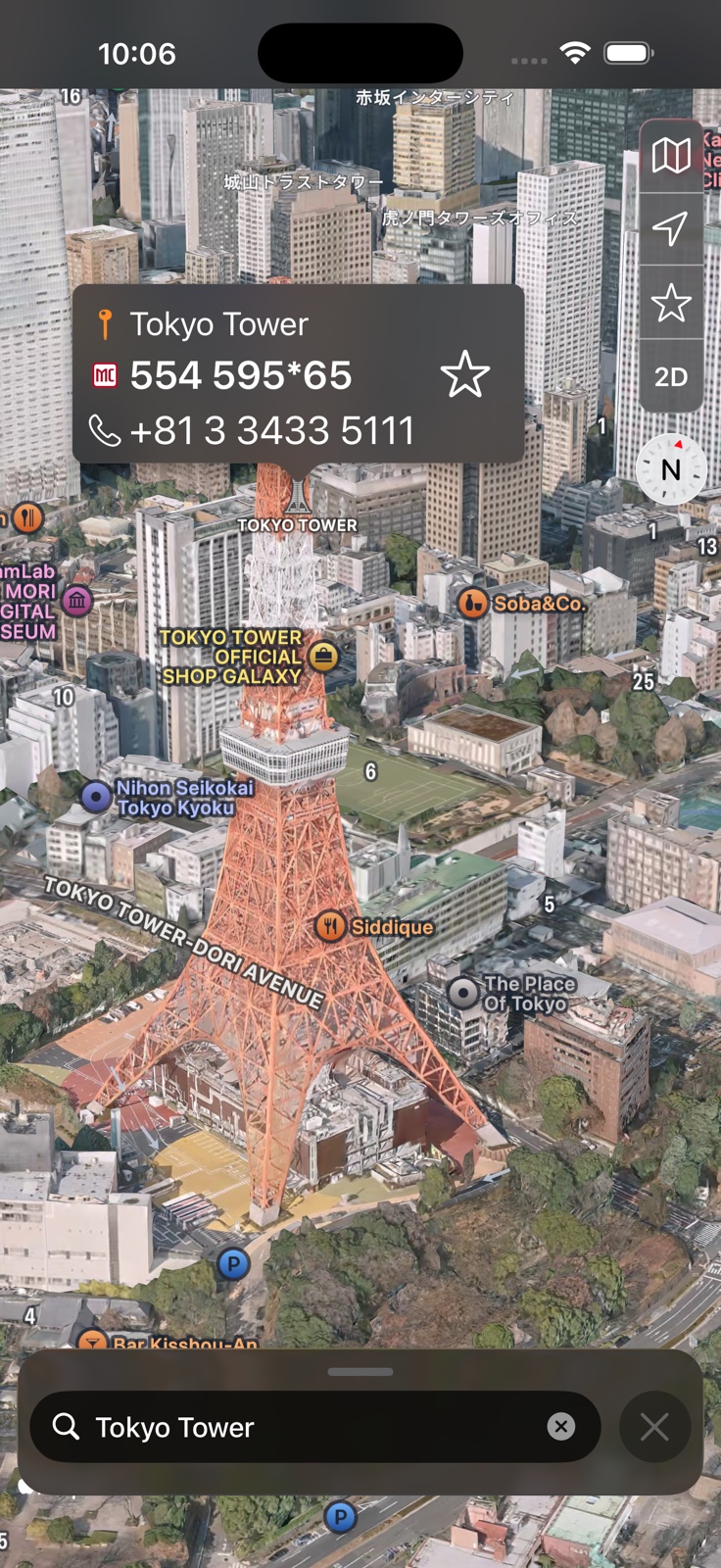
Switch to satellite for a real-world look at your destination, or tilt into 3D for a bird's-eye perspective before you arrive. Tokyo Tower from above hits differently. 3D satellite like this is an iOS feature — on Android, 3D tilt works with the standard map.
Search any spot in Japan in English, romaji, or Japanese — restaurants, hotels, stations, attractions.
Long-press any spot on the map — a beach, a trailhead, a friend's house — and Mappu gives you its MapCode instantly.
Tap hotels, restaurants, temples, and hundreds of other points of interest directly on the map — Mappu instantly shows the MapCode for whatever you touch.
Paste a latitude and longitude — like 35.6586, 139.7454 — and Mappu turns it into a MapCode, ideal for trailheads, campsites, or a dropped pin someone shared with you.
Already have a MapCode? Type it into the search field — like 554 595*65 — and Mappu decodes it to a pin with the spot's address. Spaces are optional: 554595*65 works too.
Save the spots you keep returning to — your hotel, a favorite onsen, that ramen place — and reach them in two taps.
For restaurants and hotels with a listed number, dial straight from the result to confirm a reservation. This shortcut is an iOS feature.
Tuned for both — readable in bright daylight and easy on the eyes during night drives.
Save a spot on your iPhone and it appears on your iPad automatically via iCloud. On Android, sign in with your Google account to sync your favorites the same way.
Switch to satellite or hybrid view to scout terrain before you arrive, or tilt into 3D mode for a bird's-eye perspective of your destination. 3D + satellite is an iOS feature — on Android, 3D tilt works with the standard map.
Mappu remembers your last 30 searches so you can pull up that ryokan or restaurant again without typing a single character.
Switch between Apple Maps and Google Maps as your map source. Map browsing, tapping places, and MapCodes are free on both. Search, coordinates, and reverse lookup are free on Apple Maps — on Google Maps, they require Mappu Pro, which also removes ads.
The MapCode system was developed by Denso and is supported by virtually every car navigation system sold in Japan — Toyota, Honda, Nissan, Mazda, and the big rental fleets all read it.
Each code is a short number — usually 6 to 10 digits — with an optional 1–2 digit precision suffix after a *. Type it into the "MapCode" entry screen and the nav drops a pin within meters of where you want to go.
Almost all of them — the MapCode system is the de-facto standard in Japan. If your rental car has a Japanese nav screen, look for the マップコード or "MapCode" entry option. If your car was made for the export market it may not have it; in that case you can revert back to the phone number Mappu shows for the location, which most Japanese navs accept as a destination.
The high-precision codes (the digits after the *) place you within roughly 3 meters of the destination — typically the front entrance for a venue.
Yes, for searching new places. Once you've saved a place as a favorite its MapCode is saved on the device, so you can pull it up offline.
Search autocomplete works best when the map is already centered near your destination. There are two easy ways to do this. First, you can pan and zoom the map to the area you're looking for, then search — autocomplete will prioritize nearby results. Alternatively, type the name of the city (for example, "Kyoto" or "Sapporo"), tap it in the results to let the map zoom in to that city center, and then search for your specific destination — autocomplete will find it much more reliably within that focused area.
Yes. Paste a latitude and longitude — for example 35.6586, 139.7454 — and Mappu converts it straight into a MapCode. Use decimal degrees with a comma between the two numbers.
Yes. Type a MapCode straight into the search field — for example 554 595*65 (or 554595*65 without the space) — and Mappu decodes it, dropping a pin that shows the location's address and MapCode.
Yes — the app itself is free to download. Using Apple Maps as your source, everything is free: search, coordinates, reverse lookup, map browsing (including satellite view), and tap-to-get-a-MapCode. Using Google Maps, map browsing and tap-to-get-a-MapCode stay free, but search, coordinates, and reverse lookup require Mappu Pro — an optional subscription that also removes ads. The free version runs on unobtrusive ads that never sell your data.

Download Mappu free and turn your next destination into a number you can type in seconds.